
Microsoft Power Automate RPA Developer PL-500 Exam Questions
Question #1 (Topic: demo questions)
You need to resolve the fulfillment status flow issue. Which three actions should you perform? Each correct answer presents part of the solution. NOTE: Each correct selection is worth one point.
Correct Answer: B, C, E
Explanation:
To resolve the fulfillment status flow issue, you need to perform three actions: Ensure that all users are signed out from the target machine. This will prevent any interference or interruption from other users who might be logged in to the same machine where the desktop flow is running1. Use different local Windows accounts for all machines. This will ensure that each machine has a unique identity and credentials for running desktop flows1. Ensure that the flow is not using elevated privileges. This will avoid any security risks or errors that might occur when running desktop flows with administrator rights1.
Question #2 (Topic: demo questions)
HOTSPOT You need to configure the solution. What should you use? To answer, select the appropriate options in the answer area. NOTE: Each correct selection is worth one point.
Answer
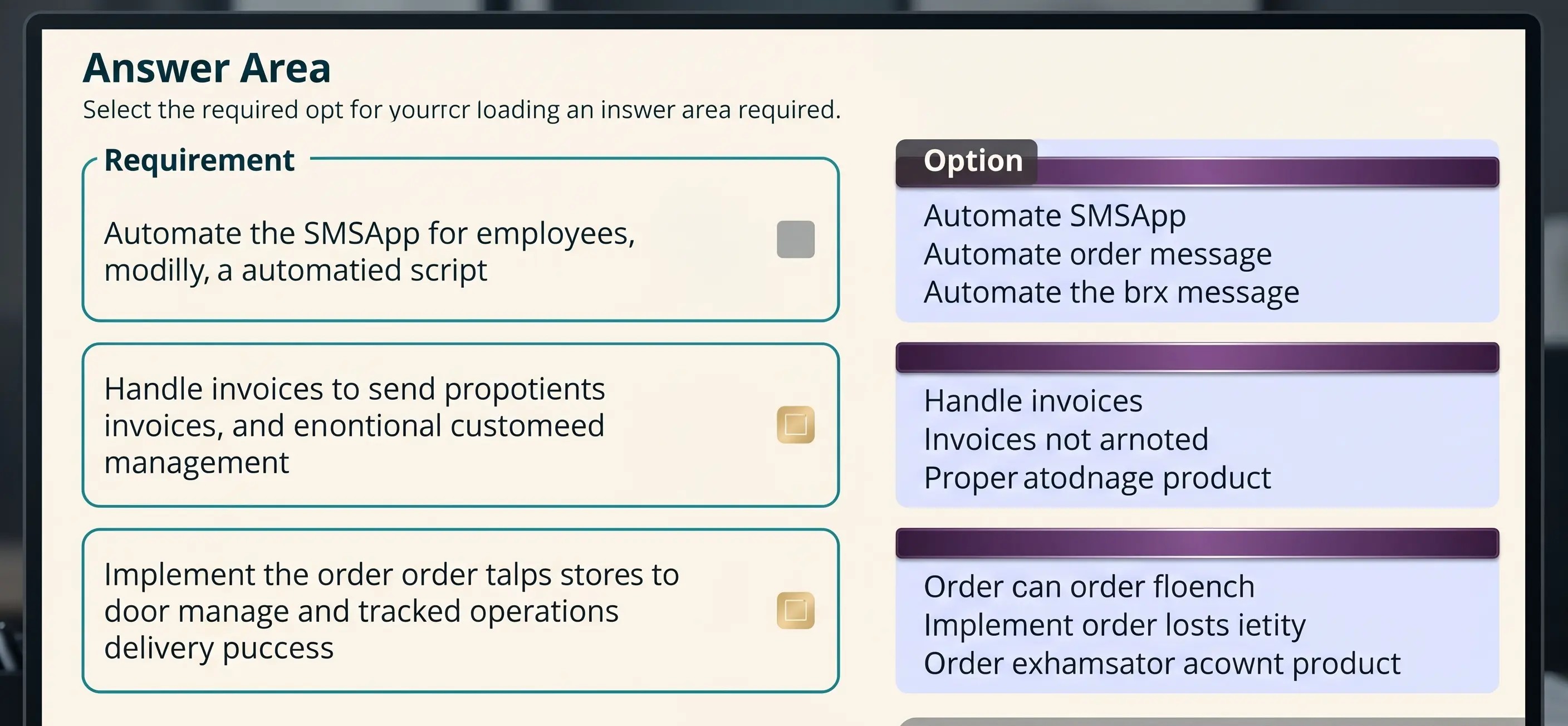
Explanation:
RequirementOptionAutomate the SMSApp data entry process.
RequirementOptionAutomate the SMSApp data entry process.
Action
Workflow
Desktop flow
Mobile task flow (Selected)
Handle invoices sent to the Accounts payable mailbox.
When a folder is created
When an item is created
When a new email arrives
When a new email arrives in a shared mailbox (Selected)
Implement the order process.
Workflows
Instant flows
Business rules
Business process flows (Selected)
Question #3 (Topic: demo questions)
You need to implement security to resolve the invoice data issue Which three actions should you perform? Each correct answer presents part of the solution. NOTE: Each correct selection is worth one point.
Correct Answer: B, D, E
Explanation:
To implement security to resolve the invoice data issue, you need to perform three actions: In Microsoft Power Platform admin center, navigate to the Security roles section. This is where you can manage the security roles for your environment and assign them to users or teams. Select the Finance role, select Custom Entities and navigate to the table. This is where you can configure the access level for each entity in your environment based on your security role. Clear the Create and Delete permissions. Set the Read permission and Write permission values to Business unit. This will restrict users with this role from creating or deleting records in this table, but allow them to read or write records within their business unit.
Question #4 (Topic: demo questions)
You need to configure the flow for processing invoices that arrive in the AP mailbox. Which three elements should you use? Each correct answer presents part of the solution. NOTE: Each correct selection is worth one point.
Correct Answer: B, C, D
Explanation:
To configure a flow for processing invoices that arrive in an email, you need to use three elements: document type, AI model, and form type. Document type specifies what kind of document you want to process, such as invoices, receipts, or business cards. AI model determines how the document data will be extracted and analyzed, such as using a prebuilt model or a custom model. Form type defines how the extracted data will be mapped to a table in Dataverse, such as using a standard form or a custom form.
Question #5 (Topic: demo questions)
You need to identify the cause for the SMSApp data entry issue. What is the root cause?
Correct Answer: B
Explanation: